Campaign Tracking Across Every Post and Platform
A launch is never one post. It is a video, a few stories, a pinned link, and a week of follow ups. Schedlytics groups all of it into a campaign and measures the clicks, traffic, and revenue the whole push produced.
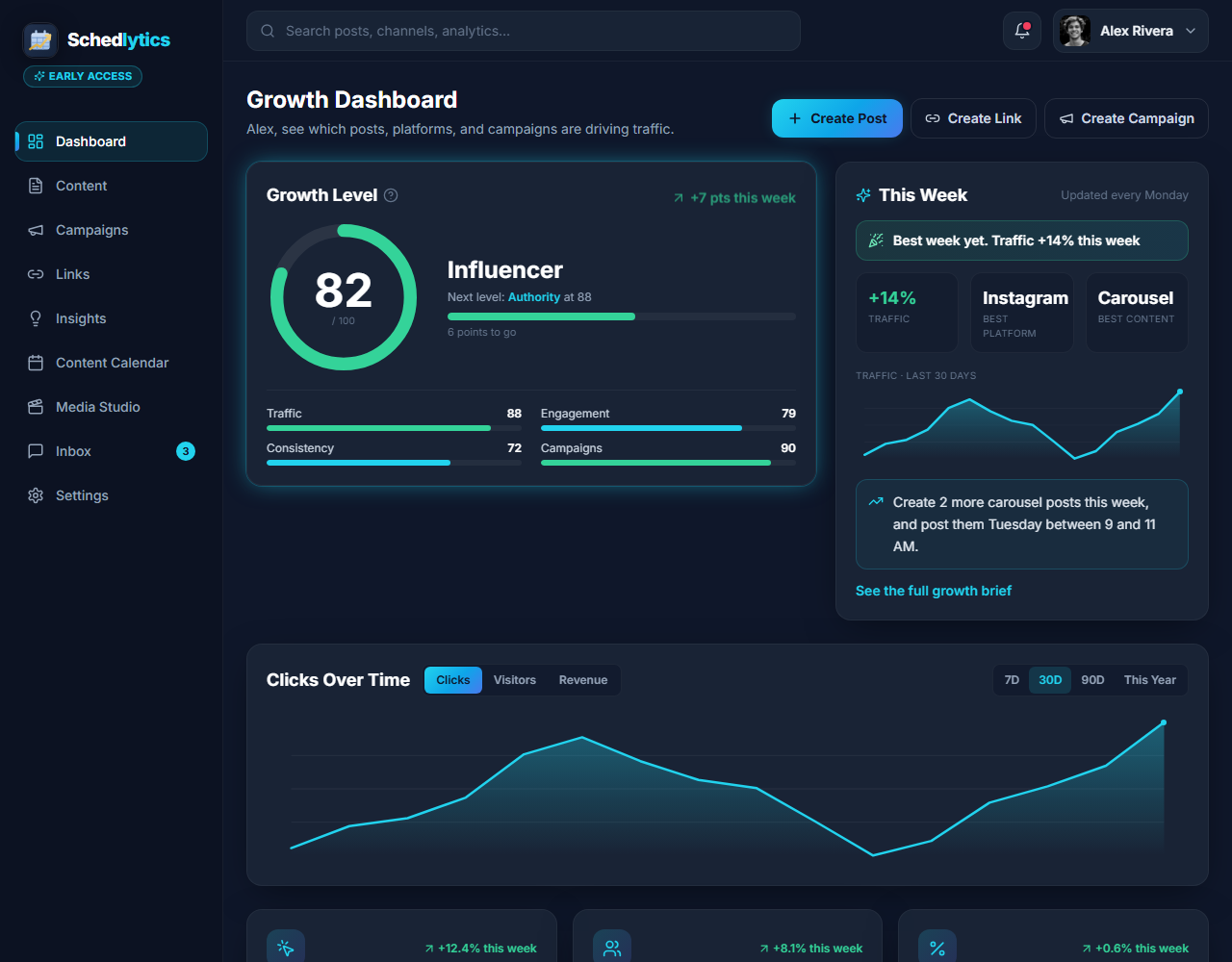
Judge the campaign, not the post
When every post lives on its own, it is easy to fool yourself. One reel goes viral and feels like a win, while the quiet email that actually drove the sales gets no credit. Campaign tracking fixes that by rolling every piece of content behind a goal into a single view, so you can see what the effort earned as a whole.
In Schedlytics you tag posts and tracked links with a campaign. From then on, every click flows into that campaign automatically. You get a clean scoreboard for the launch, promotion, or season, and a fair way to compare one campaign to the next.
What campaign tracking gives you
One result per campaign
See total clicks, visitors, and revenue for the entire push, not a scattered list of single posts.
Cross platform rollups
Combine YouTube, Pinterest, and every other channel into one number so nothing falls through the cracks.
Best performing content
Within a campaign, find the exact post and link that pulled the most weight.
Campaign comparison
Stack this launch against the last one to learn what formats and timing actually work for you.
UTM and link tagging
Tag links with a campaign directly, or let Schedlytics add UTMs for you. Try the UTM builder.
Revenue attribution
Connect sales and signups to the campaign that drove them, so budget goes where it earns.
How to run a tracked campaign
1. Name your campaign
Create a campaign for the launch, sale, or season you are running.
2. Tag posts and links
Assign every related post and tracked link to that campaign as you publish.
3. Read one scoreboard
Open the campaign to see combined clicks, traffic, and revenue across every platform.
Explore by topic
Frequently asked questions
What is campaign tracking?
It groups all the posts and links behind one goal so you can measure the whole effort together, instead of judging each post in isolation. Schedlytics ties clicks, traffic, and revenue to the campaign that produced them.
Do I need UTM parameters?
UTMs help, and Schedlytics can add them for you. You can also tag any tracked link with a campaign name directly, with or without UTMs.
Can one campaign span several platforms?
Yes. A campaign spans every post and link you assign to it, across YouTube, Pinterest, and the rest, so you see one combined result.
Can agencies track campaigns per client?
Yes. Use a campaign per client initiative to keep results clean and easy to report on.
Measure your next launch end to end
Join early access and track every campaign in one place.