Track Every Link. Know Which Content Drives Traffic.
Create a tracked link for each social post, video, bio, or campaign. Schedlytics records clicks, unique visitors, sources, and campaign context so you can see which content sends people to your site instead of stopping at likes and views.
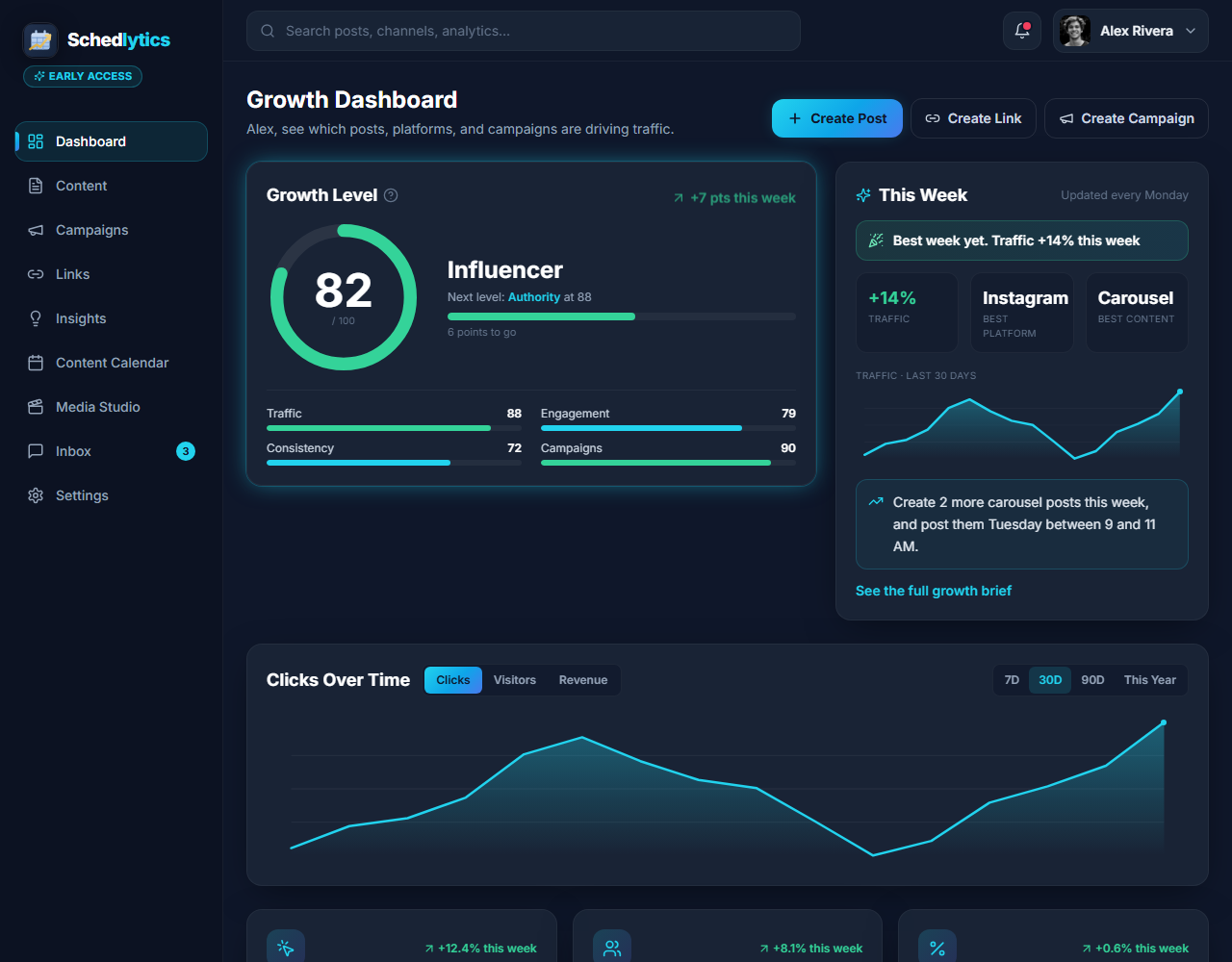
A link tracker built around content attribution
A plain short link tidies up a long URL and stops there. A tracked link keeps working after the click. It tells you how many people followed it, how many of them were new, which platform sent them, and which campaign they belong to. That turns a link from a convenience into a measurement tool.
Use tracked links in captions, YouTube descriptions, newsletters, campaign posts, and your link in bio. Give each piece of content its own link and you can compare the posts and platforms that actually send traffic. Those results feed your social media analytics so scheduling supports attribution instead of being the whole product.
What every tracked link measures
Clicks and unique visitors
Separate total taps from distinct people so you understand true reach, not inflated counts.
Source platform
See whether a click came from YouTube, Pinterest, your bio, or somewhere else entirely.
Campaign tagging
Attach a link to a campaign so it rolls up into a bigger picture. See campaign tracking.
Branded short links
Put your own domain on your links so they look trustworthy and on brand.
QR codes
Generate a QR code for any tracked link to bridge print, packaging, and in person to online.
UTM support
Add UTM parameters for deeper attribution, or build them with the UTM builder.
How link tracking works
1. Paste your destination
Drop in any URL, pick a custom short code, and tag it with a campaign and platform.
2. Share the tracked link
Use it in posts, descriptions, and your bio. It redirects instantly and records the click.
3. Compare what drove traffic
See clicks, unique visitors, source platforms, and campaigns for every link you own.
Explore by topic
Frequently asked questions
What is a trackable link?
It is a short link that records every click. Schedlytics captures the click count, unique visitors, source platform, and campaign so you can see which links drive real traffic.
Can I use Schedlytics as a free link tracker?
Yes. Start with tracked links for social posts, videos, bios, or campaigns, then use the same dashboard to compare the content and platforms that send traffic.
What is the difference between clicks and unique visitors?
Clicks count every tap, including repeats. Unique visitors count distinct people. Comparing the two tells you whether a link reached many people or the same few several times.
Can I use my own branded domain?
Yes. Business plans support custom branded domains so your short links carry your name instead of a generic one.
Do tracked links work with UTMs?
Yes. Add UTM parameters to any tracked link for deeper attribution, or build them quickly with the UTM builder.
Start tracking the links behind your content
Create tracked links and find the posts, videos, and campaigns that actually send traffic.