Facebook Analytics That Tracks Clicks and Traffic
Reach and reactions tell you a post got attention. They do not tell you whether it sent anyone to your website, store, or signup page. Schedlytics connects each Facebook post and your page to the clicks, traffic, and revenue they actually drive.
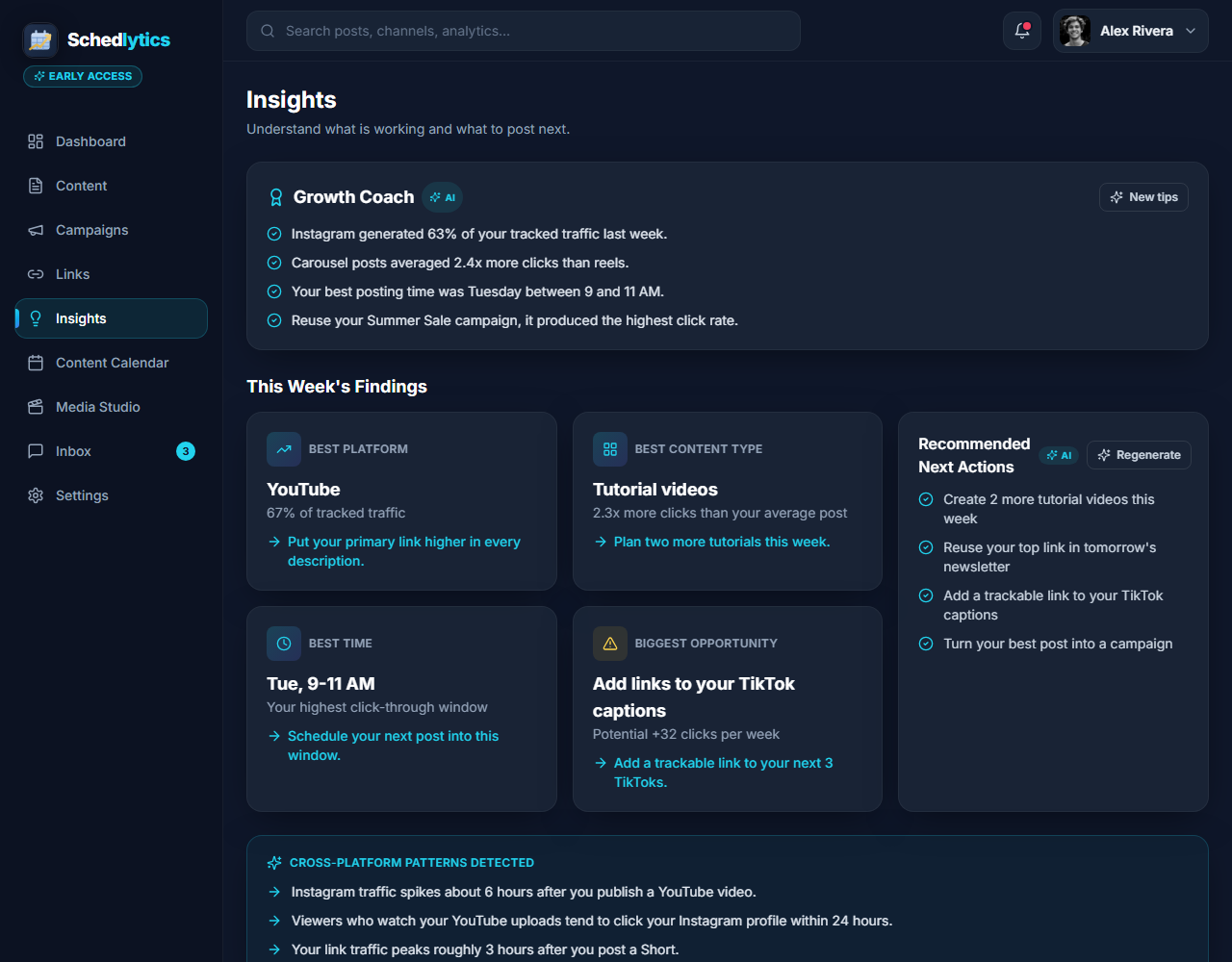
The gap native Facebook insights leave open
Facebook is one of the few places where your posts and your page can carry links directly, which makes it a strong driver of traffic. The catch is measurement. Native Facebook insights are built around reach, reactions, comments, and shares. They tell you how many people saw a post and how many engaged with it, but they go quiet on the question that matters most for your business: did that post send a real visitor to your site, and did that visitor turn into a signup or a sale?
That is the gap Schedlytics closes. Instead of guessing which post drove a busy traffic day, you place a tracked link in the post itself and in the links on your page. Every click is recorded with the post and campaign it came from, so you can line up reach against clicks against signups and finally see which content earns its place.
An honest note on connections: you can track Facebook traffic today using tracked links in your posts and on your page, and that works right now with no waiting. A direct Facebook account connection inside Schedlytics, which will pull native Facebook stats automatically, is rolling out and is awaiting platform approval. Native Facebook stats are coming soon, so the click attribution below is available today while the deeper account connection lands.
Tracked links in your posts and on your page
A tracked link is a short, branded link that records every click along with where it came from. Drop one into a post about a new product, put one in your page bio, and add one to the link buttons on your page. From that moment on, each tap is logged with its source and campaign. You do not need a native connection for any of this, because the link itself does the measuring. See how it works under link tracking, and build a clean, consistent link with the UTM builder so every Facebook link follows the same naming you use everywhere else.
Attributing clicks to a specific post or campaign
The real power shows up when you give each post or each push its own tagged link. A link tied to your Tuesday product post stays separate from the one in your weekend promo, so when traffic spikes you know exactly which post earned it. Bundle several posts into a single campaign and Schedlytics rolls the clicks up for you, which makes a full launch easy to read at a glance. The same approach carries across every channel you use, so Facebook sits next to your other sources in one view through social media analytics and campaign tracking.
Comparing organic posts fairly
Reach can be misleading. A post that reached fifty thousand people but sent forty clicks did less for your business than a quieter post that reached eight thousand and sent three hundred clicks. When you measure by clicks rather than by reach alone, your best performers stop hiding behind vanity numbers. Schedlytics puts reach next to clicks for each post, so an organic post that quietly converts gets the credit it deserves and earns a repeat in your content plan.
Connecting Facebook to revenue
Clicks are the bridge between a post and a sale. Because every tracked link ties a click back to the post it came from, you can follow that visitor through to the signup or purchase on the other side. Now a Facebook post is not just a reach number in an insights panel. It is a clear line from content to clicks to revenue, so you know what each post is actually worth and where to spend your next hour of effort.
What you can see
Your page and your results, side by side.
Reach next to clicks
Compare how far a post traveled against the clicks it actually drove, so a quieter post that converts gets the credit it deserves.
Per post attribution
Trace traffic and signups back to the specific Facebook post that started them, not just the page as a whole.
Page link tracking
Measure the links in your page bio and buttons, so steady page traffic gets counted alongside your posts.
Campaign rollups
Bundle a launch post, a follow up, and a boosted update into one campaign and measure the whole push. See campaign tracking.
Traffic over time
Watch evergreen posts keep sending clicks for weeks, and spot the older content that still pays off.
Native stats coming soon
A direct Facebook account connection is in rollout while we await platform approval, to pull native stats next to your click data.
How to track a Facebook post in Schedlytics
1. Make a tracked link
Create a short, branded link to your landing page and tag it with a campaign. See link tracking or build one with the UTM builder.
2. Add it to your post or page
Put the link in the post itself, in your page bio, or on a page button so people have one clear next step.
3. Watch the clicks land
Open Schedlytics to see exactly how much traffic and revenue that post and page produced.
Explore by topic
Frequently asked questions
Can I track Facebook without connecting my account?
Yes. You track Facebook traffic today with Schedlytics tracked links placed in your posts and on your page. Every click is recorded with its source and campaign, so no account connection is needed to attribute traffic. A direct Facebook account connection is rolling out and is awaiting platform approval.
Does Schedlytics replace Facebook insights?
No. Facebook insights show reach, reactions, and engagement. Schedlytics adds the part insights leave out: the clicks your posts send to your links, so you can connect a post to the traffic and revenue it produced.
How does it track clicks from a Facebook post?
You place a Schedlytics tracked link in your post or in your page bio and links. Every click is recorded with its source and campaign, so you can attribute traffic and sales back to that exact post.
Is a native Facebook stats connection available?
Native Facebook stats are coming soon. A direct Facebook account connection is in rollout while we await platform approval. Until then, tracked links give you full click attribution for everything you post.
Know which Facebook posts actually pay off
Join early access and connect your content to real results.