How to Track a Product Launch End to End
A launch is the moment all your work pays off, so it deserves more than a guess about what worked. This guide walks through tracking a launch as one campaign, from the first teaser to the review you run once the dust settles, so you know exactly which content drove the result.
A launch is a campaign, not a post
The most common mistake creators and marketers make on launch day is treating each post as its own scorecard. One reel goes viral and feels like the win, while the quiet email that actually closed the sales gets no credit. The truth is that a launch is never one post. It is a teaser, an announcement, an email, a pinned bio link, a video description, and a week of follow ups, all pushing toward the same goal. Measured separately, they fight for attention. Measured together, they tell you what the launch was really worth.
That is what campaign tracking is for. You group every piece of content behind the launch into one campaign, and every click flows into that campaign automatically. Instead of a scattered list of single posts, you get a clean scoreboard for the whole effort, and a fair way to compare this launch to the next one. The rest of this guide is the practical version of that idea, broken into a before, during, and after rhythm you can reuse every time you ship something.
Before the launch: set up the campaign
Start before the first teaser goes live, not after. Open Schedlytics and create a campaign named for the thing you are launching, something specific like spring-bundle-2026 rather than a vague label you will forget in a month. A campaign is simply the container that ties posts and links to one goal, so naming it well now saves you confusion later.
Give the campaign a real goal before you build anything. Decide whether you are chasing signups, sales, waitlist adds, or revenue, and write down the number you would call a win. A goal turns a pile of clicks into a verdict. Without one, you will end up admiring traffic that never converted and calling it success.
Build a tracked link per placement
This is the step that makes everything downstream work. Every place you mention the launch deserves its own tracked link, so you can tell the teaser apart from the announcement, and the email apart from the bio. Build one link for each placement you plan to use:
- The teaser post that hints at what is coming.
- The announcement that goes out on launch day.
- The launch email to your list.
- The link in your bio or link in profile.
- The video description on your launch video.
The trick is consistent UTMs across all of them. Keep utm_campaign identical on every link so the whole launch rolls up into one number. Set utm_source to the platform, like instagram or youtube, and use utm_medium to describe the placement type, like teaser, email, bio, or video. That small bit of discipline is the difference between a clean review and a mess of guesses. The free UTM builder stamps these out in seconds, and if you want the naming conventions that keep a whole library tidy, the UTM best practices guide covers them. Build the links now, during the before phase, so every early click is attributed from the very first share.
During the launch: tag every post to the campaign
Once the launch is live, the job is to keep the data clean as you publish. Assign every related post and tracked link to the campaign as it goes out, not in a batch afterward when you have forgotten which post was which. Tag the teaser, the announcement, the stories, the email, and every follow up to the same campaign. From that point on, the clicks attach themselves.
The reason this matters is fairness. A launch usually spans several platforms and several days, and momentum builds in places you did not predict. If half your posts are tagged and half are not, your scoreboard lies to you. Tagging as you go means the campaign always reflects the full picture, so the result you read at the end is the result that actually happened.
Watch one combined scoreboard
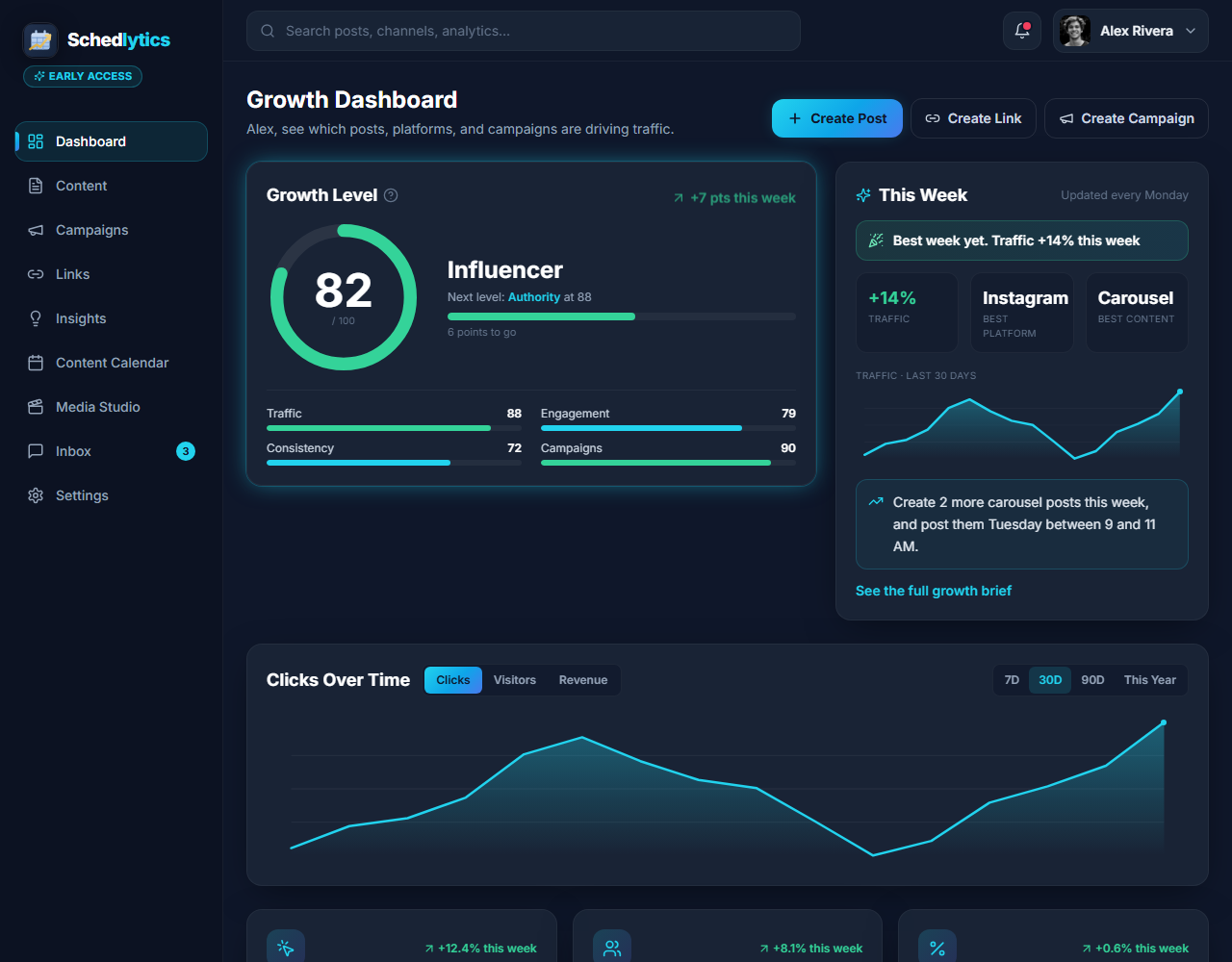
During the launch, resist the urge to refresh individual posts. Open the campaign instead and watch one combined scoreboard: total clicks, unique visitors, and revenue across every platform and placement at once. This is where the campaign view earns its keep. You can see the launch building in real time, spot which placement is pulling ahead, and notice early if a channel you expected to carry the launch is quiet.
A single scoreboard also changes how you react. If the email is outperforming the bio link, you know to send a second email rather than reshuffle your profile. If a particular video is driving most of the clicks, you can lean into that format with a follow up while interest is still high. Live attribution turns the launch from a thing you hope is working into a thing you can steer.
After the launch: run a post launch review
When the launch winds down, run a review while the numbers are fresh. Open the campaign and read it as a whole first, then break it down. Compare placements to see which tracked link earned the most clicks and the most revenue. Compare formats to learn whether the teaser, the email, or the video did the heavy lifting. Compare timing to find the day and the hour that converted best.
Because every placement shared the same utm_campaign and a consistent UTM scheme, those comparisons are honest. You are not guessing that the email helped, you can see the clicks and the revenue it drove next to everything else. Write down two or three things to repeat and one to drop, and you have turned a single launch into a playbook. Stack this campaign against your last one and the pattern of what works for your audience starts to appear, launch after launch.
The before, during, after rhythm
Reduced to its core, tracking a launch is three moves. Before, you create the campaign, set a goal, and build a tracked link with consistent UTMs for every placement. During, you tag each post to the campaign as you publish and watch one combined scoreboard. After, you run a review that compares placements, formats, and timing so the next launch starts smarter. Keep that rhythm and you will never again wonder which content drove the result. You will know.
Keep reading
Frequently asked questions
Why is a product launch a campaign and not a single post?
A launch is a teaser, an announcement, an email, a pinned bio link, and a week of follow ups. Each piece feeds the same goal, so you measure them together as one campaign rather than judging any single post on its own.
What UTMs should I use for a product launch?
Keep utm_campaign the same across every placement, set utm_source to the platform, and use utm_medium to describe the placement type such as bio, email, or video. Consistency is what lets the whole launch roll up into one number.
When should I start tracking a launch?
Before the first teaser goes out. Create the campaign and build your tracked links during the before phase so every early click is already attributed when interest starts to build.
What should a post launch review cover?
Compare placements, formats, and timing. Look at which links drove the most clicks and revenue, which day and channel performed best, and what to repeat next time. One combined scoreboard makes those comparisons fair.
Track your next launch end to end
Join early access and run every launch as one connected campaign.