Instagram Analytics That Tracks Clicks and Traffic
Reach and saves tell you a reel got attention. They do not tell you whether it sent anyone to your website, shop, or link in bio. Schedlytics connects each post and story to the clicks and traffic it actually drives, using tracked links you can set up today.
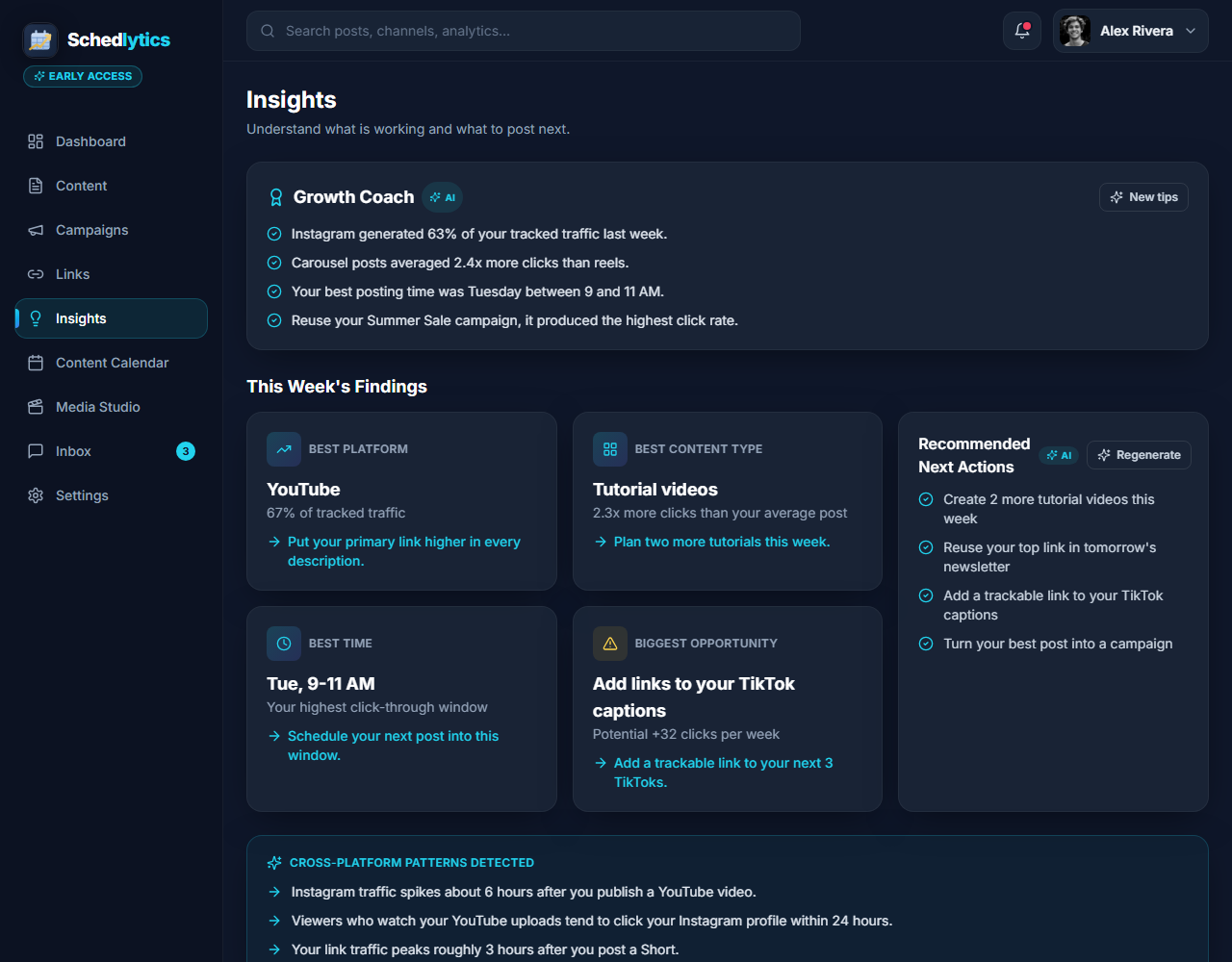
The gap Instagram Insights leaves open
Instagram Insights is good at what it does. It shows reach, impressions, saves, shares, and a breakdown of who your audience is. What it cannot show you is what happens after someone taps your bio link or a story link sticker. Did that reel actually send buyers to your shop? Did the carousel grow your newsletter? Insights goes quiet at exactly the moment that matters for your business, the moment a follower turns into a visitor.
Schedlytics fills that gap. Instagram sends traffic in two main ways: the link in your bio and link stickers in stories. By putting a tracked link in either spot, every tap is recorded with the source and campaign it came from. Now you can line up reach against clicks, and a quieter post that converts gets the credit a viral one with no link never earned. You can do all of this today with tracked links, no account connection required.
One honest note. A direct Instagram account connection in Schedlytics is rolling out and is awaiting platform approval. That connection will pull native follower and post stats next to your click data. Until it lands, you are not waiting on anything: tracked links in your bio and story stickers already give you the traffic picture Insights leaves out, and native Instagram stats are coming soon.
Tracked links in your bio and your stories
The link in bio is the single most valuable piece of real estate on your Instagram profile. It is where every reel, every post, and every story caption points people. When you make that link a Schedlytics tracked link, you turn a plain destination into a measurable one. If you run a link-in-bio landing page with several buttons, you can track each button on its own and see which offer your audience actually taps. Our link in bio strategy guide walks through how to set that up so nothing goes unmeasured.
Stories are the other half of the story. A link sticker on a story is often the most direct call to action you have, and it disappears in twenty four hours, so knowing whether it worked is the difference between a habit worth repeating and a guess. Drop a tracked link into the sticker and Schedlytics records every tap with its source, so a story you almost did not bother posting can prove it was your best traffic driver of the week. Learn how the link tracking works under the hood.
Attribute clicks to a specific post or campaign
Reach alone cannot tell two posts apart once the traffic arrives. A tracked link can. By tagging each link with a campaign, you trace a click back to the exact reel, carousel, or story that started it, instead of crediting your profile as a whole. Promoting a product drop across a launch reel, a few stories, and a pinned post? Group them into one campaign and measure the entire push together. Build clean, consistent tags fast with the UTM builder, so every link you share is ready to be measured.
From profile visit to action, and then to revenue
Most Instagram growth advice stops at profile visits. The real question is what happens next: how many of those visitors clicked through, and how many of those clicks turned into a signup or a sale. Schedlytics follows that chain. You can see which content drives profile visits that lead to action, not just attention, and connect a sale or a newsletter signup back to the post behind it. That is how you find out what each reel is genuinely worth, rather than ranking your content by likes. For the bigger picture across every channel you post on, see social media analytics.
What you can see
Your content and your results, side by side.
Reach next to clicks
Compare how far a reel went against the clicks it drove, so a quieter post that converts gets the credit it deserves.
Per post attribution
Trace traffic and signups back to the specific reel, carousel, or story that started them, not just the account as a whole.
Bio and story links
Track taps from your link in bio and from story link stickers, the two ways Instagram actually sends traffic out.
Campaign rollups
Bundle a launch reel, stories, and a pinned post into one campaign and measure the whole push. See campaign tracking.
Native stats coming soon
A direct Instagram account connection is rolling out, pending platform approval, to show follower and post stats next to your click data.
Revenue attribution
Connect a sale or signup to the post behind it, so you know what each upload is really worth.
How to track an Instagram post in Schedlytics
1. Make a tracked link
Create a short, branded link to your landing page and tag it with a campaign. See link tracking or build one with the UTM builder.
2. Add it to your bio or story
Put the link in your bio, your link-in-bio page, or a story link sticker so followers have one clear next step.
3. Watch the clicks land
Open Schedlytics to see exactly how much traffic and revenue that post or story produced.
Explore by topic
Frequently asked questions
Can I track Instagram without connecting my account?
Yes. You track Instagram traffic today with Schedlytics tracked links in your bio and in story link stickers, no account connection needed. A direct Instagram account connection is rolling out soon, pending platform approval, to pull native stats alongside your click data.
Does Schedlytics replace Instagram Insights?
No. Insights shows reach, saves, and audience data. Schedlytics adds the missing piece: the clicks your reels and posts send to your links, so you can connect a post to the traffic and revenue it produced.
How does it track clicks from a reel or post?
You place a Schedlytics tracked link in your bio or a story link sticker and tag it with a campaign. Every tap is recorded with its source, so traffic ties back to the post or story that drove it.
Are native Instagram stats coming to Schedlytics?
Yes. A direct Instagram account connection is in the works and awaiting platform approval. It will pull follower and post stats next to your click data. Until then you can track everything that matters through tracked links.
Know which posts actually drive traffic
Join early access and connect your content to real results.