TikTok Analytics That Tracks Clicks and Traffic
TikTok can put a video in front of millions, but it sends people to your site through one place: the link in your bio. Native TikTok stats stop at views and watch time and never tell you whether a video sent anyone to your site. Schedlytics connects each post to the clicks and traffic it actually drives.
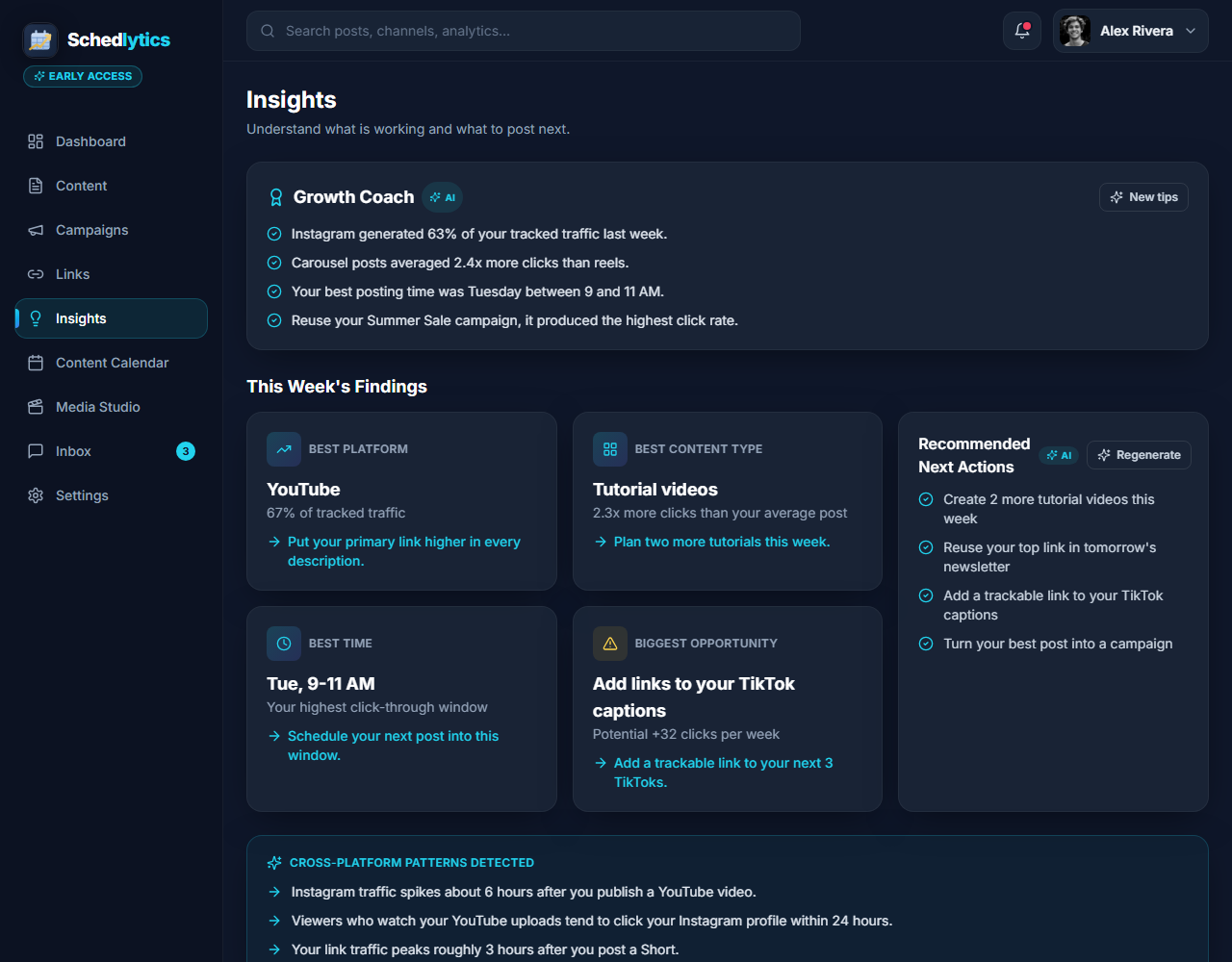
The gap native TikTok stats leave open
TikTok is built for reach. A single video can rack up hundreds of thousands of views overnight, and the native analytics will happily show you views, watch time, average view duration, and where your traffic inside the app came from. What they will not show you is what happens after someone taps away. Did that viral cooking clip actually send buyers to your recipe ebook? Did the product demo move anyone toward your store? Native stats go quiet at the exact moment that matters for your business.
There is a second wrinkle that is unique to TikTok. Unlike platforms where you can drop a link into a description or a pinned comment, TikTok funnels almost all of its outbound traffic through one spot: the single link in your bio. That makes a huge view count easy to celebrate and hard to act on, because you cannot tell which of your recent videos is the one actually driving people to tap that link.
Schedlytics closes both gaps. We want to be straight with you about how it works today. A direct TikTok account connection is rolling out and is awaiting platform approval, so native TikTok stats inside Schedlytics are coming soon. What you can do right now, with no approval and no waiting, is track every click your TikToks send by putting a Schedlytics tracked link in your bio.
Start with a tracked bio link
The fix starts with the one place TikTok lets you send people: your bio. Instead of pasting your raw homepage URL there, you use a Schedlytics tracked link. It looks like a clean, short, branded link to your visitors, but behind the scenes every tap is recorded with the source and campaign it belongs to. The moment someone moves from a video to your bio to your site, that journey is captured. If you want your links to carry clean campaign labels, the free UTM builder stamps them for you in seconds.
Because everything routes through that one link, your bio becomes the single most valuable piece of measurement real estate you own on TikTok. Treat it that way and you turn an anonymous flood of views into a record of who actually came to visit.
Rotate the bio link to attribute per video
One bio link sounds like a measurement dead end, but it is actually a lever. The trick is to rotate it. Before you publish a video you expect to perform, swap in a fresh tracked link tagged to that video or campaign. Every tap during that window is attributed to it. When the next push goes out, rotate again. Over a few weeks you build a clear picture of which videos sent traffic and which only sent applause.
If you do not want to swap the link constantly, point your bio at a tracked landing page that branches to your store, your newsletter, and your latest drop. You still get one bio link, but you learn which destination people actually wanted. For the full playbook on structuring that page, see our notes on link in bio strategy.
Measure which videos actually drive traffic
This is where the view count finally stops lying to you. A video with 800,000 views and 90 bio taps is a very different asset from a video with 40,000 views and 1,200 taps, and only click data can tell them apart. Schedlytics lines up reach against clicks so the quiet video that converts gets the credit, and the viral video that went nowhere gets a second look.
Once you can see traffic per video, your content calendar starts to plan itself. You make more of what moves people off the app and less of what only chases the feed. To compare TikTok against everywhere else you post, your full picture lives in social media analytics.
Connect clicks to revenue
Clicks are the bridge, not the destination. Because each tap is tied to a video and a campaign, you can follow that same thread all the way to a signup or a sale. Now you are not guessing whether TikTok is worth the effort. You can point at a specific video and say it drove this much traffic and this many sales, which is the number that actually settles the argument about where your time should go. And as the native connection comes online, those revenue stories will sit right next to your view and watch time data in one place.
What you can see
Your reach and your results, side by side.
Views next to clicks
Compare reach against the clicks each video drove, so a quieter post that converts gets the credit a viral dud does not.
Per video attribution
Rotate your bio link by video or campaign and trace bio taps back to the specific post that sent them.
Bio link insight
Turn your single bio link into a measurement tool that records the source and campaign behind every tap.
Campaign rollups
Bundle a launch video, follow ups, and your bio link into one campaign and measure the whole push. See campaign tracking.
Traffic over time
Watch a video keep sending taps for weeks after it peaks, and spot the back catalog that still pays off.
Revenue attribution
Connect a sale or signup to the video behind it, so you know what each upload is really worth.
How to track a TikTok video in Schedlytics
1. Make a tracked bio link
Create a short, branded link to your landing page and tag it with a campaign. See link tracking or build one with the UTM builder.
2. Rotate it per video
Swap the tracked link into your bio before each video you want to measure, so taps in that window tie back to that post.
3. Watch the clicks land
Open Schedlytics to see exactly how much traffic and revenue that video produced through your bio.
Explore by topic
Frequently asked questions
Can I track TikTok without connecting my account?
Yes. Today you track TikTok traffic with a Schedlytics tracked link in your bio, with no account connection needed. A direct TikTok account connection that pulls native stats is rolling out and is awaiting platform approval.
How does it measure clicks from a TikTok video?
You place a Schedlytics tracked link in your bio and tag it with the video or campaign it belongs to. Every tap is recorded with its source and campaign, so the traffic ties back to the post that sent it.
TikTok only allows one bio link. How do I attribute clicks per video?
Rotate the bio link by campaign or by video. Swap in a fresh tracked link before you push a new video, and clicks during that window are attributed to it. You can also point the bio link at a tracked landing page that branches to several destinations.
Will native TikTok stats show up in Schedlytics?
Native TikTok stats are coming soon, pending platform approval. Once live, your view and watch time numbers will sit next to your Schedlytics click data so you can compare reach against real traffic in one place.
Know which TikToks actually drive traffic
Join early access and turn your bio link into real results today.